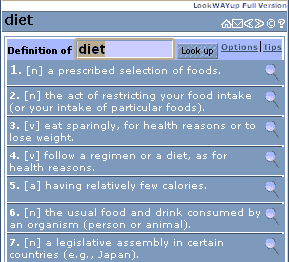
LookWAYup comes in four different basic forms; use the one that's convenient for you:
For each form, there is both a free and a full version with more features. When it's installed on your browser or on the web site, the definitions and information box pops up right on the page - no need to go to another page
The box contains
It works on almost any web browser, including Microsoft Internet Explorer, Netscape, and Opera versions 4 and above on Windows, Unix, and Mac, and on all version of Firefox and Safari.